Drive MetaDefender Drive Smart Touch v1.7.0 verziója bevezeti a tanúsítványalapú fájlintegritás-ellenőrzést a Secure Storage szolgáltatáshoz, javítja az eszköz energiafogyasztását, valamint egy új offline frissítési módszert kínál arra az esetre, ha nincs hálózati kapcsolat, vagy a frissítési szerver nem érhető el.
Fájlintegritás-ellenőrzés a Secure érdekében
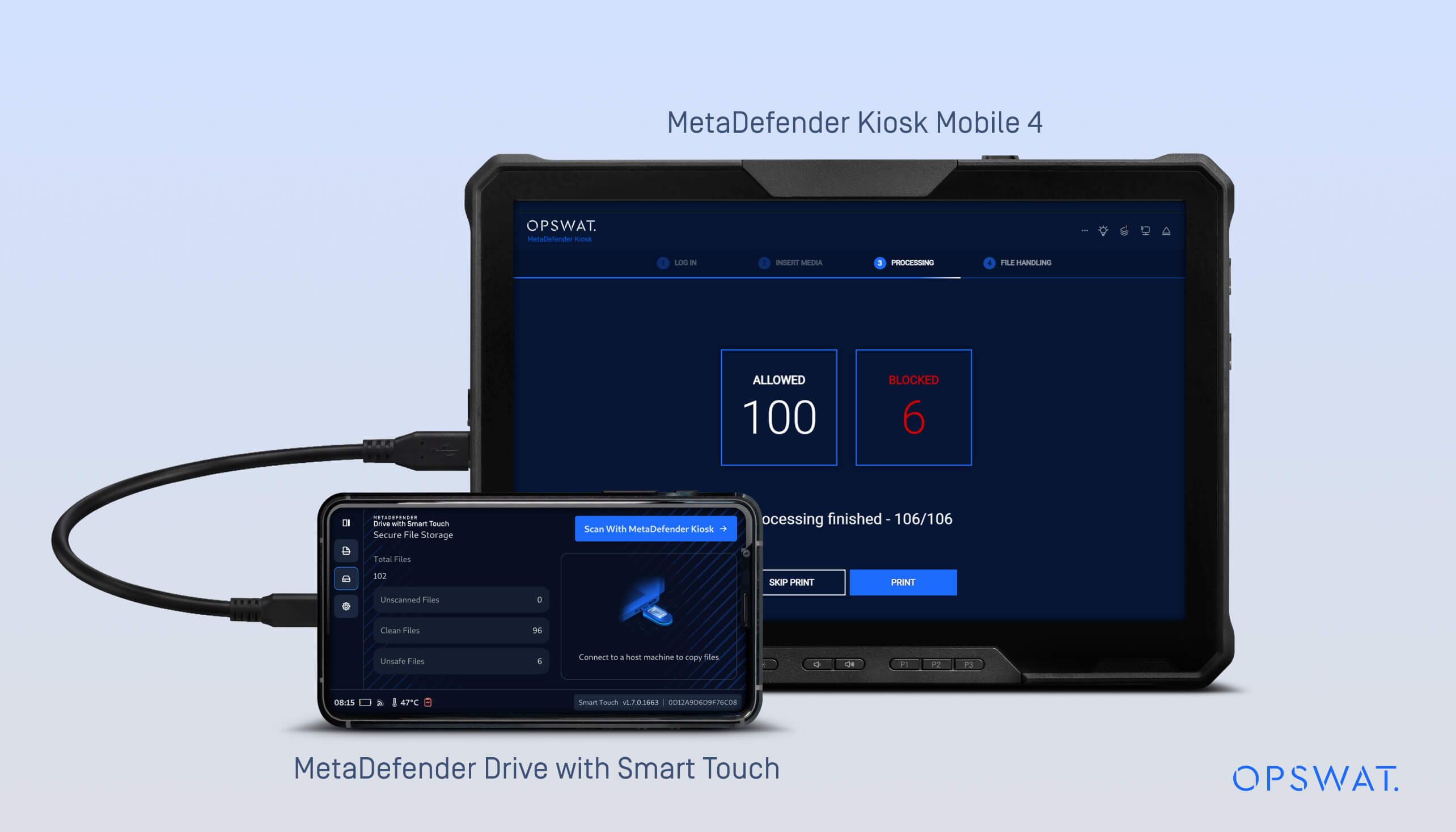
A korábbi verziókban MetaDefender Drive Smart Touch bevezette a Secure Storage funkciót, amely a fájlokat tárolja és elkülöníti mindaddig, amíg azokat a MetaDefender le nem ellenőrzi.
Az 1.7.0-s verzióban Secure Storage már támogatja a manifesztalapú integritás-ellenőrzést, amely segít megállapítani, hogy a fájlokat Kiosk után módosították-e.
A munkafolyamat:
- A fájlok átmásolódnak a Secure .
- A MetaDefender Drive Smart Touch eszköz csatlakozikKiosk MetaDefender Kiosk, ahol a fájlok átvizsgálásra kerülnek.
- A beolvasás után MetaDefender Kiosk egy tanúsítvánnyal aláírt jegyzéket.
- Drive MetaDefender Drive Smart Touch tárolja és felhasználja ezt az aláírt manifesztet annak ellenőrzésére, hogy a fájlok változatlanok maradnak-e, amikor az eszközt később más rendszerekhez csatlakoztatják megosztás vagy átvitel céljából.
- Ha a manifesztet módosítják, az ahhoz tartozó összes fájlt nem biztonságosnak jelöli a rendszer.
- Ha egy adott fájl módosul, miközben a manifeszt érvényessége fennáll, akkor csak az a fájl kerül megjelölésre biztonságtalannak.
- A nem biztonságos fájlokat vissza kell küldeniKiosk MetaDefender Kiosk újbóliKiosk , mielőtt újra megbízhatónak minősülnének.
Ez a frissítés a következőket biztosítja:
- A MetaDefender Kiosk által létrehozott, aláírt nyilvántartás ellenőrzése
- A fájlok integritását a MetaDefender Kiosk által generált, aláírt manifeszt segítségével ellenőrzik, amely magában foglalja a tanúsítványalapú ellenőrzést is Kiosk során
- A Secure munkafolyamatok biztosítjákDrive MetaDefender Drive Smart Touch ésKiosk MetaDefender Kiosk közötti folyamatos ellenőrzést
További részletekért olvassa el azitt található dokumentumotKiosk MetaDefender Kiosk segítségével történő adatintegritás-ellenőrzés beállításához.
A Smart Touch alkalmazás offline frissítési lehetősége
Ez a kiadás egy további, offline frissítési módszert vezet be a Smart Touch alkalmazáshoz. Ez a módszer alternatív frissítési lehetőséget kínál olyan elszigetelt környezetek számára, ahol MetaDefender Drive a Smart Touch nem tud kapcsolatba lépni a frissítési szerverrel, vagy ahol a kapcsolat korlátozott.
Amikor a MetaDefender Drive Smart Touch bekapcsol, a rendszer ellenőrzi, hogy van-e olyan USB , amely frissítési csomagot tartalmaz. Ha olyan USB észlel, amely egy újabb, érvényes deb-csomagot tartalmaz, az eszköz az indítás során automatikusan, a háttérben végrehajtja a frissítést.
MetaDefender Drive a Smart Touch offline frissítési folyamata
Az alkalmazás frissítése offline módban a következő lépésekkel hajtható végre:
- Töltse le a legújabb deb csomagot OPSWAT My OPSWAT találhatóMetaDefender Drive Smart Touch” frissítési oldaláról, majd másolja át egy USB .
- Kapcsolja ki a MetaDefender Drive készüléket a Smart TouchDrive
- Másolja át a deb csomagot egy USB
- Helyezze be az USB a MetaDefender Drive készülékbe a Smart TouchDrive
- Kapcsolja beDrive MetaDefender Drive a Smart TouchDrive
- Kérjük, várja meg a frissítési csomag ellenőrzését az indítás során
- Ha új verziót észlel a rendszer,Drive MetaDefender Drive Smart Touch automatikusan frissül a háttérben
- A frissített MetaDefender Drive Smart Touch verzió az indítás után elérhető
Az üzemállapot-felismerés fejlesztése
Drive Smart TouchDrive MetaDefender Drive mostantól képes felismerni működési állapotát – függetlenül attól, hogy éppen rendszerindítás alatt áll-e vagy egy gazdaeszközhöz csatlakozik –, így a Smart Touch az eszköz állapotának megfelelően tudja szabályozni a kommunikációt. Ezt a fejlesztést egy frissített kommunikációs protokoll teszi lehetővé, amely csökkenti az energiafogyasztást és meghosszabbítja az akkumulátor élettartamát.
Kiadás részletei:
- Termék: MetaDefender Drive Smart TouchDrive
- Megjelenés dátuma: 2026. március 12.
- Kiadási megjegyzések: További információ itt
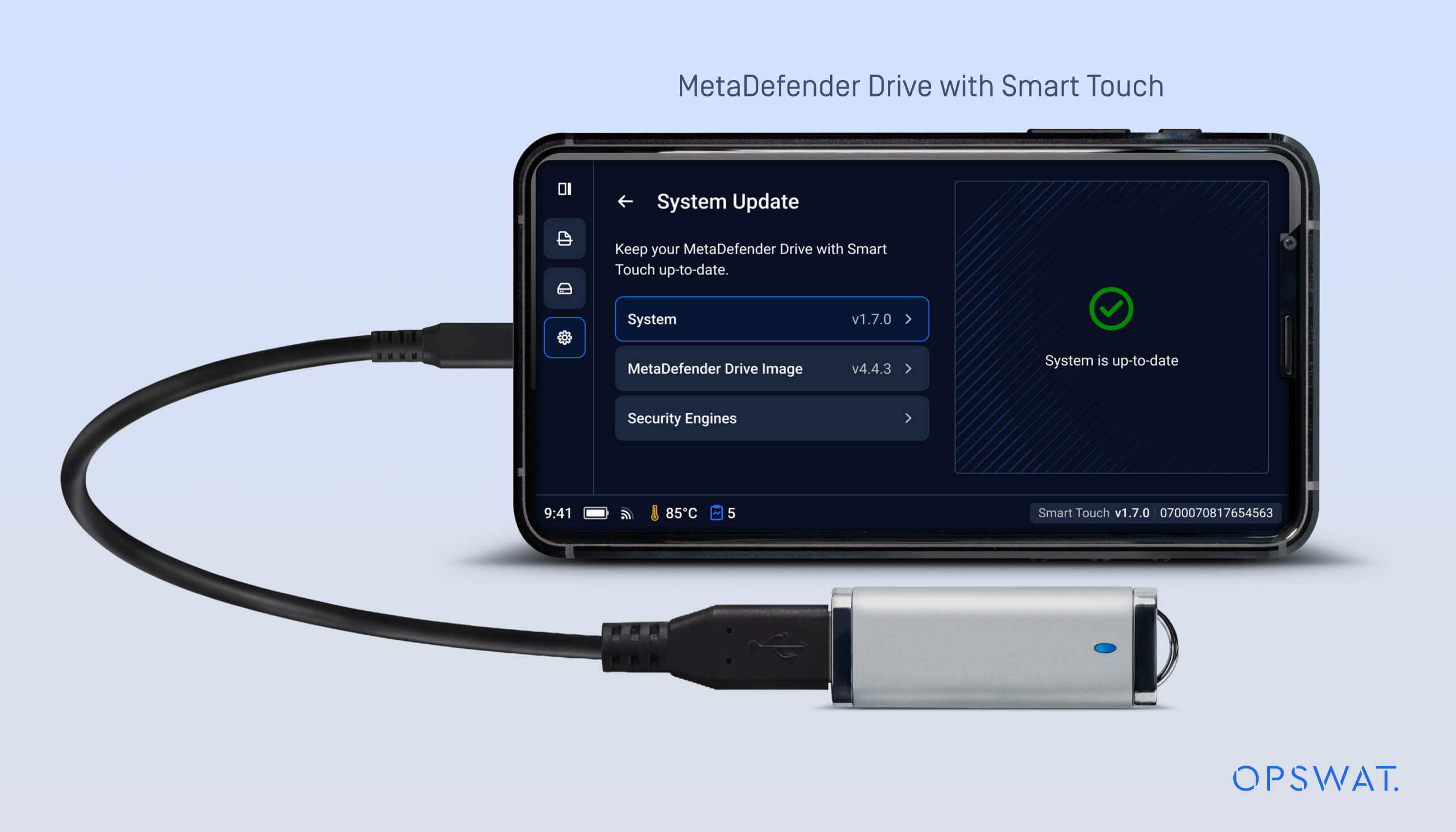
Drive MetaDefender Drive frissítéséhezDrive Smart TouchDrive érintse meg a kezdőképernyőn a Rendszerfrissítés elemet, hogy megnyissa a központi frissítési nézetet.

